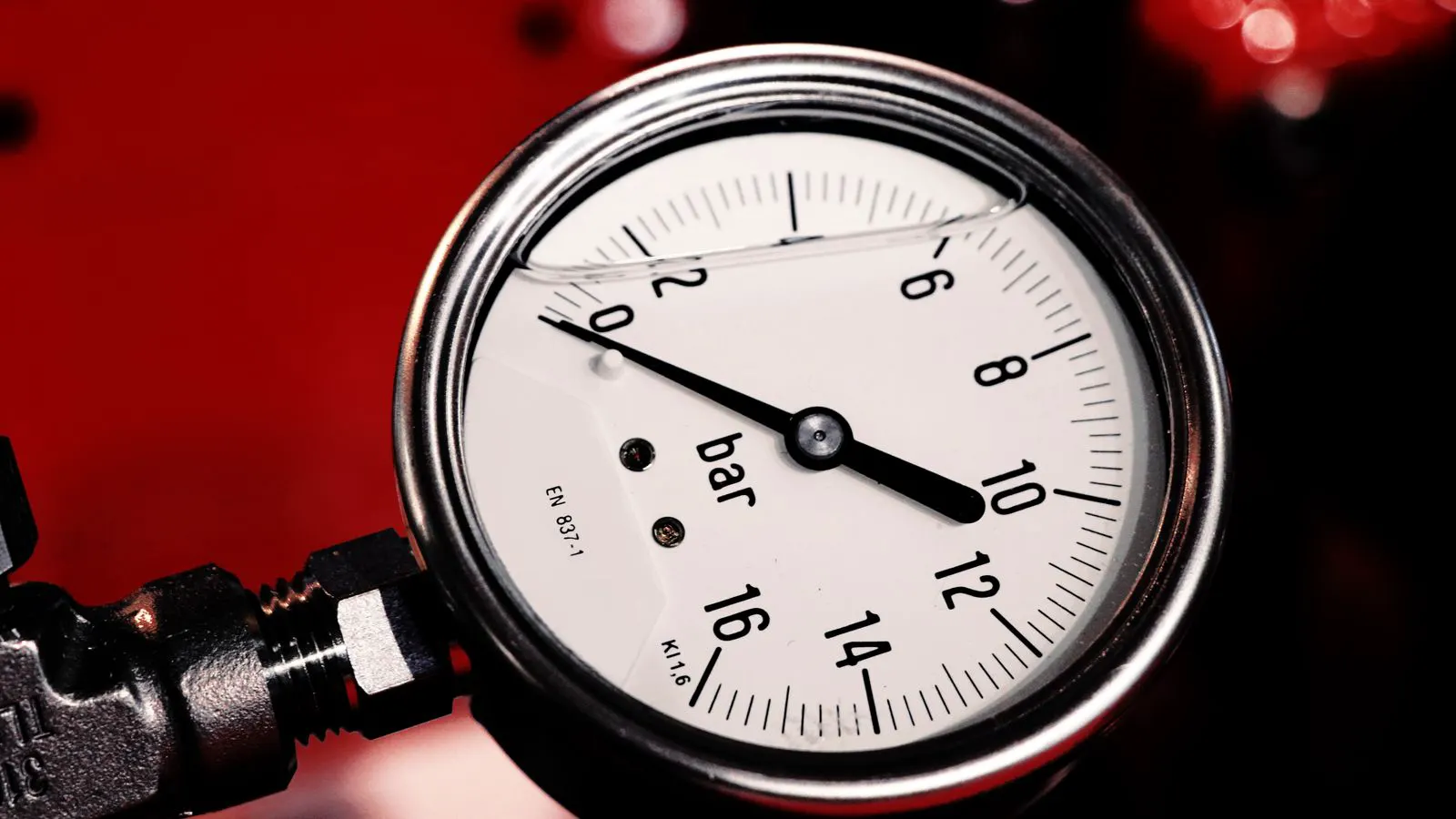
Checklist: Verifying Extruder Die Pressure
This checklist provides a systematic method to verify extruder die pressure. It covers sensor validation, back pressure management, and die head calibration. Follow these steps to eliminate profile drift and ensure stable, repeatable extrusion output.
- Verify die pressure sensors against a reference gauge before trusting automated records.
- Check back pressure settings to prevent melt accumulation and profile distortion.
- Use a consistent melt temperature and screw speed during calibration to isolate variables.
- Document baseline readings for every new resin lot or machine change.
- Monitor pressure trends over time to detect early signs of die blockage or wear.
Why die pressure matters for profile stability
Extruder die pressure acts as the final gatekeeper for profile consistency. If the pressure at the die face fluctuates, the cross section of the extruded part changes. A tube wall thins on one side. A flat sheet develops ripples. A pipe becomes elliptical. The root cause often hides upstream in the melt temperature, screw speed, or back pressure. Yet, without a verified die pressure reading, operators cannot distinguish between a process fault and a sensor error.
This checklist assumes a standard single or twin screw extrusion line. It applies to pipes, profiles, sheets, and flat films. The goal is to establish a reliable baseline. You will not fix every problem with this list. But you will confirm whether the pressure signal matches the physical reality at the die. That confirmation is the starting point for any stable profile extrusion run.
Sensor validation and reference checks
The first step is to confirm the die pressure sensor is accurate. Most extrusion lines use a piezoelectric or piezoresistive sensor mounted on the die body or the die head. Over time, vibration, thermal cycling, and melt debris can shift the reading.
- Power down the line and let the melt cool if the sensor requires physical access.
- Connect a calibrated hand-held pressure gauge to a test port on the die.
- Run the line at a low, stable output.
- Compare the hand gauge reading with the machine controller reading at the same moment.
- Repeat the check at three different output levels.
If the difference between the two readings exceeds a few percent, the sensor is likely offset or failing. Do not trust the controller data for this run. Recalibrate the sensor or replace it. A drift of even a small amount can mask a real problem in the melt. For example, if the sensor reads low, the controller may increase back pressure to compensate. That extra back pressure thickens the melt layer and changes the shear rate at the die lip. The profile distorts. The operator sees a quality issue but blames the die.
Back pressure and melt accumulation
Back pressure is the resistance created between the screw flight and the die. It is often set via a back pressure screw or a pressure relief valve. If back pressure is too high, the melt accumulates in the barrel near the die. This accumulation increases the residence time. The melt heats up. The viscosity drops. The pressure reading at the die goes up, but the melt is no longer in the same state as when the baseline was taken.
- Record the back pressure setting in your checklist.
- Note the temperature of the last barrel zone.
- Observe the melt temperature just before the die.
- Check for a sudden drop in screw speed when back pressure changes.
- Look for a visible “bulge” in the barrel near the die if the material is semi-transparent.
A common mistake is raising back pressure to fix low die pressure. That is a trap. The pressure reading may improve, but the melt temperature changes. The melt becomes thinner. The profile thins out. The surface finish degrades. Instead, adjust the last barrel temperature or the screw speed to change the melt viscosity. Keep back pressure at the lowest level that prevents melt accumulation.
Die head calibration and flow balance
Die head calibration ensures that the flow through the die channels is even. For multi-channel dies, such as those used in multi-wall pipes or complex profiles, one channel may flow more melt than another. This imbalance shows up as a pressure differential across the die face.
- Block all die outlets except one.
- Run the line at a standard output.
- Record the pressure at the open channel.
- Repeat for each channel.
- Compare the readings.
If the readings differ by more than a few percent, the die channels are not balanced. This can happen due to wear, debris, or a manufacturing tolerance issue. For a simple single-channel die, this check is less critical, but it helps detect blockage. A partial blockage on one side of the die reduces flow in that region. The pressure rises locally. The melt is pushed toward the open region. The profile becomes asymmetric.
When calibrating the die head, use a consistent melt temperature. Change one variable at a time. If you change the temperature while checking flow, you are changing the viscosity. You cannot isolate the effect of the die geometry. Keep the process steady. Take your readings slowly. Let the pressure settle before recording the number.
Temperature and screw speed consistency
Extruder die pressure is highly sensitive to melt temperature. A 5 degree Celsius change in the last barrel zone can shift the pressure by a significant margin. This is because polymer viscosity is exponential with temperature. Small temperature changes create large viscosity changes.
- Lock the barrel temperatures to your standard recipe.
- Lock the screw speed to your standard RPM.
- Run the line for at least 30 minutes.
- Record the die pressure every 5 minutes.
- Calculate the average and the standard deviation.
If the pressure is stable, the process is stable. If the pressure wanders, find the source. Check the barrel heaters. Check the thermocouple accuracy. Check the screw speed drive. A fluctuating screw speed causes a pulsing pressure wave. A fluctuating temperature causes a slow drift. Both ruin profile consistency.
For high-speed extrusion, these checks are even more critical. At high speeds, the pressure drop across the die is larger. A small fluctuation creates a larger cross section variation. The die lip experiences higher shear. The melt breaks down. The surface gets rough. The profile wobbles.
Monitoring trends and detecting drift
A single pressure reading is a snapshot. It does not tell you the story. You need a trend. Set the data logger to record die pressure every minute. Review the trend at the end of the shift.
Look for three patterns:
- A steady upward drift. This suggests melt accumulation, a blockage, or a sensor offset.
- A steady downward drift. This suggests die wear, a leak, or a temperature drop.
- A sawtooth pattern. This suggests a screw speed fluctuation or a mechanical issue in the drive.
If you see a steady upward drift, check the die filters. Clogged filters increase resistance. The pressure rises. The melt temperature rises. The viscosity drops. The pressure rises further. A feedback loop forms. The profile thins until it fails.
If you see a downward drift, check the die lip. Wear at the lip reduces the restriction. The pressure drops. The melt flows faster. The profile thickens. The surface gets rough. The die needs replacement or refurbishment.
Documentation and baseline records
Every machine should have a baseline record for each material. This record includes the die pressure, the back pressure, the last barrel temperature, the screw speed, and the melt temperature. When you switch to a new resin lot, compare the new readings to the baseline.
If the new pressure is higher than the baseline, the resin is likely stiffer. It has a higher melt index or a different additive package. You may need to adjust the temperature or the screw speed to match the original profile.
If the new pressure is lower, the resin is likely thinner. It may have a lower melt index. You may need to reduce the temperature or increase the back pressure slightly to control the flow.
Keep these records in a digital log. Do not rely on paper sheets that get lost. A digital log allows you to search for past runs. You can compare today’s pressure with last month’s pressure. You can see if a new die is performing better than the old one. You can see if a new filter is reducing pressure drop.
Red flags that stop the line
Some pressure readings are immediate signs of trouble. Do not ignore them.
- Pressure is zero. The die is open. The melt is escaping. The line is not extruding.
- Pressure is at maximum scale. The die is blocked. The melt is backing up. The barrel is overheating.
- Pressure spikes randomly. The screw is hitting a hard spot. The drive is slipping. The melt is flashing.
- Pressure drops suddenly. The die has broken. The sensor has failed. The melt has flashed to a gas.
When you see any of these flags, stop the line. Clear the melt. Check the die. Check the sensor. Check the drive. Do not restart until the root cause is found. Restarting with a broken die or a failed sensor will damage the machinery and waste material.
Final verification steps
Before starting production, run a final check.
- Confirm the sensor reading matches the hand gauge.
- Confirm the back pressure is set correctly.
- Confirm the die head flow is balanced.
- Confirm the temperature and screw speed are locked.
- Run the line for 30 minutes.
- Record the baseline pressure.
- Start production.
This process takes time. It is not a quick fix. But it prevents the downstream quality issues that cost money. It prevents scrap. It prevents rework. It prevents complaints. It gives the operator confidence that the pressure reading is real.
When the die pressure is verified, the extrusion process is under control. The profile is stable. The surface is smooth. The wall thickness is uniform. The product meets specification. That is the goal.
Frequently asked questions
How often should I check die pressure?
Check the sensor against a hand gauge at the start of each shift. Monitor the trend during the run. If the process is unstable, check more frequently.
What is a good die pressure range?
There is no universal range. It depends on the die design, the material, and the output. Establish a baseline for your specific setup and compare future runs to that baseline.
Can I use a hand gauge to verify a die pressure sensor?
Yes. Connect a calibrated hand gauge to a test port on the die. Run the line and compare the readings. This is the most reliable way to validate the sensor.
What if the die pressure is too low?
Check the die lip for wear. Check the die for leaks. Check the sensor for failure. Check the melt temperature. Low pressure often means the melt is flowing too freely.
What if the die pressure is too high?
Check the die filters for clogs. Check the die head for blockage. Check the back pressure setting. High pressure often means the melt is being restricted.