Troubleshooting: Fixing Surface Roughness in Extruded Sheets
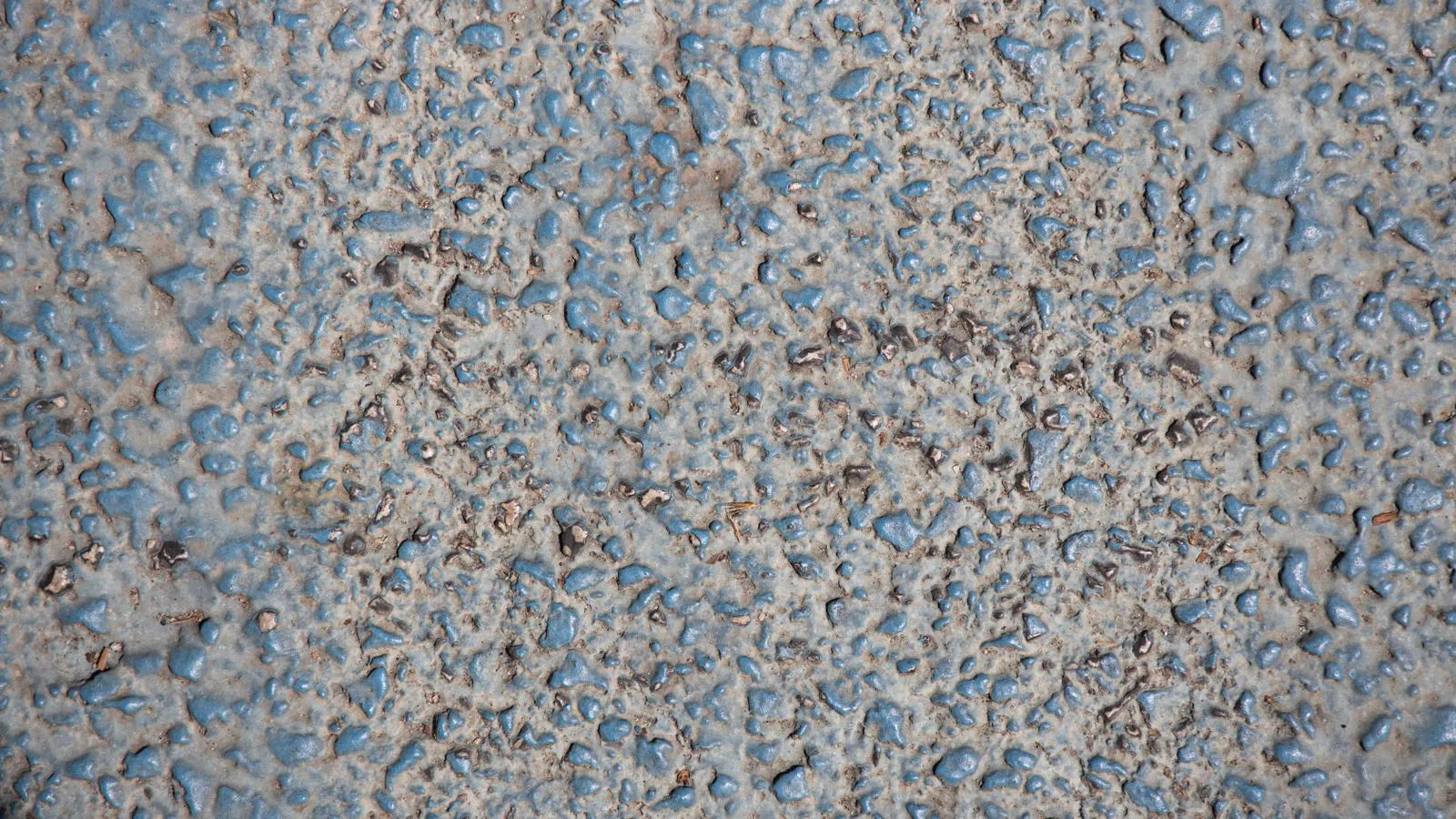
Sheet roughness usually stems from die surface quality, melt temperature, or cooling issues. This guide lists common symptoms and fixes. It provides a practical table of causes and corrective actions to help operators resolve surface defects on extruded sheets.
- Sheet roughness is often linked to die surface quality, melt temperature, or cooling issues.
- A systematic check of the die, melt, and cooling system is needed to find the root cause.
- Regular die cleaning and temperature checks prevent recurring surface defects.
- Operators should track surface defects to identify patterns and adjust parameters early.
- Correcting the root cause improves sheet quality and reduces rework.
Surface Roughness on Extruded Sheets: A Practical Diagnostic Guide
Surface roughness on extruded sheets is one of the most common complaints in production lines. The finish affects downstream processing, packaging, and the final product. Operators often face this issue when switching resins, changing line speed, or after a die maintenance event.
This guide focuses on practical ways to diagnose and fix sheet roughness. It covers the main areas to check, common symptoms, and corrective actions. The goal is to help operators and engineers move from a rough sheet to a smooth, consistent finish.
What does sheet roughness look like?
Before changing settings, confirm what the surface defect actually is. Roughness can appear in different forms. It may look like a fine grainy texture, a wavy pattern, or small pits across the sheet. Sometimes only one side is affected, while the other stays smooth.
Look for where the roughness starts. If the defect appears right at the die lip, the problem is likely in the melt or the die surface itself. If it develops further down the sheet, the cause may be in the cooling or tension system. Checking the location helps narrow down the search.
A fine grainy texture usually indicates a melt issue, such as too high a temperature or poor homogeneity. This defect often feels like sandpaper on the sheet. It is not just a visual problem. It can interfere with lamination or printing because the ink or adhesive does not bond evenly to the rough surface.
A wavy pattern with rough edges often points to mechanical issues. If the sheet is vibrating as it leaves the die, the cooling system cannot lock the shape properly. The result is a surface that looks like ripples in water. This is frequently caused by tension that is too tight or cooling water that is too cold for the line speed.
Small pits or specks are usually contamination. These spots are often dark or discolored. They may be resin degradation products, foreign material from the hopper, or debris from the die. If you see pits, do not assume it is a temperature issue. Check the resin supply and the die cleaning process first.
One-sided roughness is a strong signal for uneven cooling. If the top side is rough but the bottom is smooth, the cooling water may be hitting one side more aggressively than the other. Or, the die may have wear on one side that changes the melt flow. Check the cooling nozzle alignment and the die land surface before adjusting machine settings.
Common causes of extrusion surface defects
Several factors contribute to sheet roughness. The most frequent ones involve the die, the melt, and the cooling.
Die surface quality is a top suspect. Scratches, pitting, or wear on the die land can create a rough surface. Even small imperfections get magnified in the sheet. The die material and finish matter here. A damaged die surface will always produce a rough sheet until it is repaired or replaced.
When the die land wears, the melt flows unevenly. The edges of the sheet may have a different texture than the center. This happens because the melt velocity changes across the width. If the die has been in service for a long time, the surface may have developed micro-grooves. These grooves hold onto the melt and create a textured finish.
Melt temperature is another key factor. If the temperature is too high, the resin can degrade and create a grainy finish. If it is too low, the melt may not flow evenly. In both cases, the sheet can show roughness. Temperature uniformity across the die is critical. Hot spots and cold spots cause uneven cooling and surface defects.
Degradation often shows up as a grainy, chalky texture. This happens when the resin breaks down chemically due to excessive heat. The melt becomes less viscous and can trap air bubbles. These bubbles pop at the surface, leaving behind small pits or a rough texture. If you see this pattern, lower the die temperature and check the barrel temperature for hot spots.
Cooling conditions also play a role. If the sheet cools too fast, the surface can lock in a rough texture. If it cools too slowly, the sheet may sag or create a wavy pattern. The cooling water temperature and flow rate need to match the resin and line speed.
The cooling system has two main parts. The water temperature determines how fast the sheet hardens. The water flow rate determines how evenly the heat is removed. If the water is too cold, the sheet surface cools instantly, but the core remains hot. This creates stress in the sheet that can show up as roughness or warping. If the water is too warm, the sheet stays soft too long. The tension system then stretches it before it hardens, leading to wavy edges and surface defects.
Troubleshooting table for sheet roughness
The table below lists common symptoms, likely causes, and corrective actions. Use it as a quick reference when diagnosing a rough sheet.
| Symptom | Likely cause | What to do |
|---|---|---|
| Fine grainy texture across the whole sheet | Melt temperature too high | Lower the die temperature in small steps. Check for hot spots. |
| Roughness only on one side of the sheet | Uneven cooling or die wear | Adjust the cooling water flow. Inspect the die surface for wear. |
| Wavy pattern with rough edges | Tension too tight or cooling too fast | Reduce the tension. Slow the cooling or adjust the water temperature. |
| Small pits or specks in the sheet | Contamination in the die or resin | Clean the die. Check the resin for foreign material. |
| Roughness appears after a resin change | Resin viscosity mismatch | Adjust the melt temperature. Check the die gap for the new resin. |
| Surface roughness worsens at high line speed | Insufficient melt pressure or die pressure | Increase the extruder torque or reduce the line speed. |
How to check die surface quality
The die is the last part the melt touches before it becomes a sheet. Its condition directly affects the finish. A clean, smooth die surface produces a smooth sheet. A rough or damaged die surface produces a rough sheet.
Inspect the die land and the lip. Look for scratches, pitting, or discoloration. Use a bright light and a magnifier if needed. Check the die material. Different alloys wear at different rates. Harder alloys last longer but may be more expensive. Softer alloys are easier to repair but wear faster.
When inspecting the die, pay attention to the die lip. This is the edge where the sheet exits the die. If the lip is worn, the sheet may not be supported evenly. This can cause the sheet to flutter or vibrate as it leaves the die. The vibration transfers to the surface, creating a rough texture. A worn lip also changes the gap size. If the gap is not uniform, the melt velocity changes, leading to uneven cooling and surface defects.
Clean the die regularly. Resin residue can build up and create a rough texture. Use a proper cleaning method that does not damage the die surface. Avoid abrasive tools. A clean die surface is a basic requirement for a smooth finish.
Use a soft, non-abrasive cloth or a specialized die cleaning solution. Heat the die to a temperature where the resin becomes soft but not molten. This makes the residue easier to remove. Wipe the die land and lip gently. Do not use steel wool or abrasive pads. These can scratch the die surface and create new defects.
If the die has deep scratches or pitting, cleaning will not fix the problem. You need to repair or replace the die. Repair options include polishing or lapping. These processes smooth out the surface. Replacement is often better if the die is heavily worn or if the material is not suitable for repair.
How to check melt temperature and uniformity
Melt temperature must be set for the resin and the line speed. Too high causes degradation. Too low causes poor flow. The goal is a smooth, even melt.
Check the die temperature. It should be uniform across the width. Use a temperature probe or an infrared camera to spot hot or cold spots. Adjust the heater settings to even out the temperature. If one side is hotter, the sheet on that side will cool differently and may show roughness.
Also check the barrel temperature. If the barrel is too hot, the melt may degrade before it reaches the die. If it is too cold, the melt may not be homogeneous. Keep the temperatures within the recommended range for the resin.
Temperature uniformity is not just about the set point. It is about the actual temperature at the die surface. The die heaters may be set correctly, but the water cooling system may be removing heat unevenly. This creates hot spots even if the heater settings are consistent.
Use an infrared camera to scan the die surface. Look for areas that are significantly hotter or colder than the rest. A hot spot can cause the melt to degrade locally. This creates a grainy texture in that area of the sheet. A cold spot can cause the melt to solidify or thicken. This creates a rough texture because the melt does not flow smoothly.
Adjust the heater settings to compensate for any unevenness. If one side is hotter, lower the heater on that side or increase the cooling water flow. If one side is colder, raise the heater on that side or reduce the cooling water flow. Make small adjustments and monitor the sheet finish.
Also check the melt pressure. The pressure at the die should be stable and consistent. If the pressure fluctuates, the melt velocity changes. This can cause surface roughness. Check the extruder torque. If the torque is too low, the melt pressure may be insufficient. This can cause the melt to flow unevenly and create a rough finish. If the torque is too high, the melt may shear and degrade. This also causes roughness.
How to check cooling and tension
Cooling locks in the sheet shape and surface finish. The cooling water temperature and flow rate must match the line speed and the resin.
Check the cooling water temperature. It should be stable. A fluctuating temperature causes uneven cooling and surface defects. Adjust the flow rate to keep the water temperature constant. If the water is too cold, the sheet may cool too fast. If it is too warm, the sheet may sag.
Check the tension. The sheet should be under even tension. Too much tension can stretch the sheet and create a wavy, rough pattern. Too little tension can cause the sheet to buckle. Adjust the tension to match the line speed and the cooling.
The cooling system has two main parts. The water temperature determines how fast the sheet hardens. The water flow rate determines how evenly the heat is removed. If the water is too cold, the sheet surface cools instantly, but the core remains hot. This creates stress in the sheet that can show up as roughness or warping. If the water is too warm, the sheet stays soft too long. The tension system then stretches it before it hardens, leading to wavy edges and surface defects.
Check the cooling water flow rate. It should be consistent across the width of the sheet. If the flow is uneven, one side of the sheet cools faster than the other. This creates uneven tension and surface defects. Adjust the flow rate to keep the water temperature constant.
Check the tension. The sheet should be under even tension. Too much tension can stretch the sheet and create a wavy, rough pattern. Too little tension can cause the sheet to buckle. Adjust the tension to match the line speed and the cooling.
Use a tension meter or a tension gauge to check the tension. The tension should be consistent across the width. If the tension is uneven, one side of the sheet may be stretched more than the other. This creates wavy patterns and surface defects. Adjust the tension to match the line speed and the cooling.
Prevention tips for smooth sheet production
Prevention is easier than troubleshooting. A few simple checks can prevent sheet roughness from becoming a recurring problem.
- Keep the die clean and inspect it regularly. Replace or repair the die surface when it shows wear.
- Monitor melt temperature and keep it uniform. Use temperature probes to check for hot spots.
- Stabilize the cooling water temperature and flow rate. A consistent cooling system produces a consistent finish.
- Adjust tension to match the line speed. Even tension prevents wavy patterns and rough edges.
- Track surface defects over time. If roughness appears after a resin change or a speed change, note the parameters. This helps identify patterns and adjust settings early.
Final check
Surface roughness is a manageable issue if you check the right areas. Start with the die surface. Then check the melt temperature and uniformity. Finally, review the cooling and tension. A methodical approach finds the root cause quickly. A smooth sheet is a sign of a well-tuned extrusion line.
Frequently asked questions
What is the most common cause of sheet roughness?
The most common cause is die surface quality. Scratches or wear on the die land create a rough finish. Keeping the die clean and smooth prevents this.
Can a rough sheet be caused by the resin?
Yes. Resin viscosity and purity affect the finish. A resin with high viscosity may need a higher melt temperature. Contaminated resin can create pits. Check the resin source and the melt temperature.
How does cooling affect surface roughness?
Cooling locks in the sheet shape. If the cooling is too fast or uneven, the surface can lock in a rough texture. Stabilize the cooling water temperature and flow rate to prevent this.
Should I always lower the temperature to fix roughness?
No. Lowering the temperature can cause other problems. Only lower it if the melt is too hot or degrading. Check the uniformity and the die surface first.
How often should I inspect the die?
Inspect the die after any major change, such as a resin switch or a speed change. A regular inspection schedule prevents small issues from becoming big problems.