Troubleshooting: Fixing Clogged Extruder Filters
A clogged extruder filter causes pressure spikes and uneven melt flow. This guide lists common symptoms, likely causes, and practical fixes. It also covers cleaning, replacement intervals, and preventive maintenance to avoid unplanned downtime.
- Clogged extruder filters often show up as sudden die pressure spikes, uneven output, or surface defects.
- Inspect the filter screen first. A blocked screen may need cleaning, but a crushed or damaged screen needs replacement.
- Set a replacement schedule based on resin type, filler content, and machine run hours.
- Protect the filter with proper screening upstream and keep melt temperatures within the resin specification.
- Record filter condition during every changeout to spot early signs of wear or contamination.
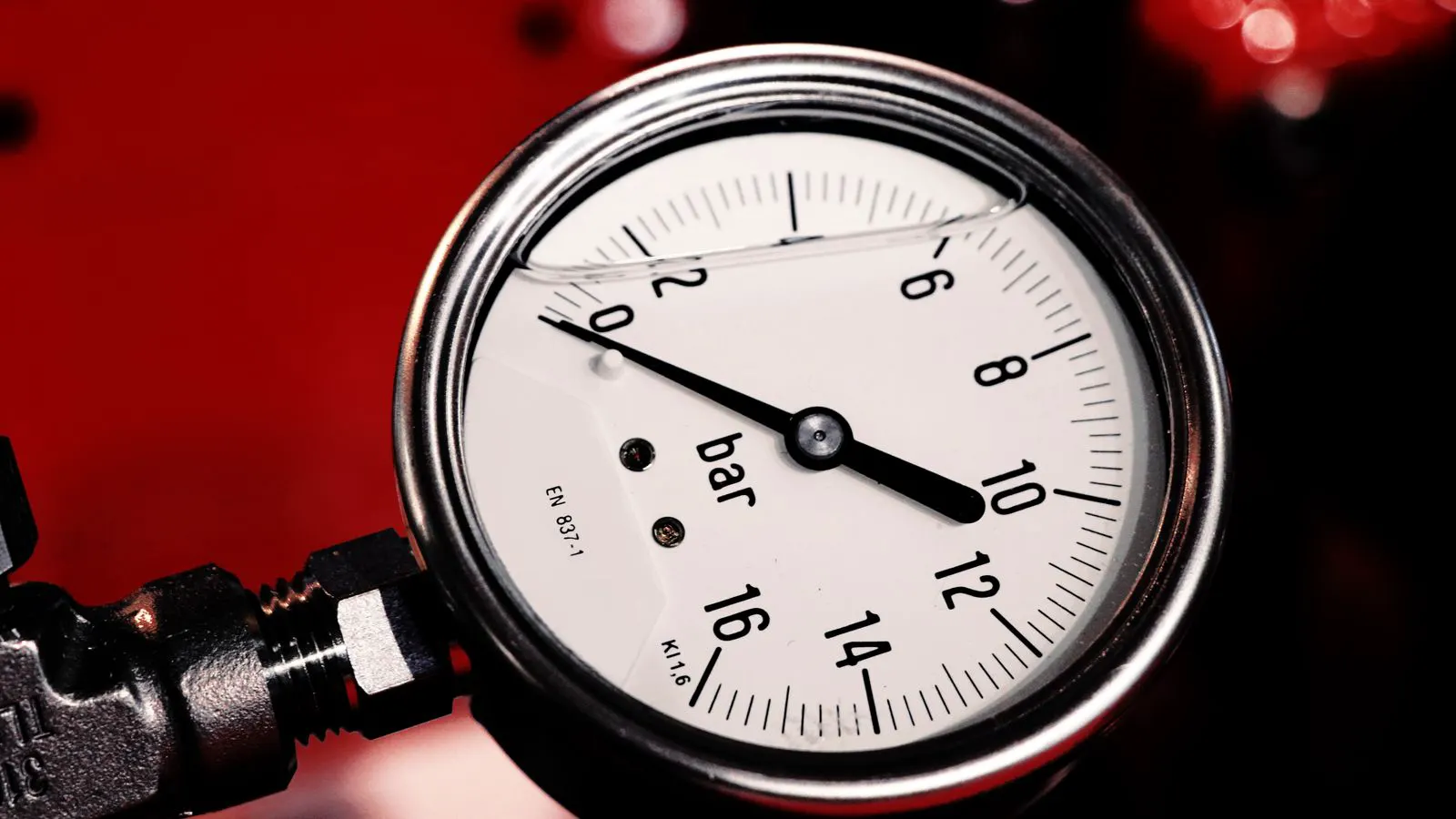
A clogged extruder filter is a common cause of erratic melt flow, sudden die pressure, and surface defects on extruded products. The filter sits at the die or in a filter housing, and it catches oversized particles before they reach the final product. When the mesh fills with fines, burnt material, or foreign matter, the pressure across the screen rises and the line struggles to maintain a steady output.
This guide walks through the most common symptoms, likely causes, and fixes for filter clogging. It also covers how to inspect, clean, and replace the filter, and how to reduce the frequency of problems between changeouts.
What are the early signs of a clogged extruder filter?
The first sign is usually a change in die pressure or a change in how the extruder behaves. Operators often notice the problem before any visible defect appears on the product.
Common early signs include:
- A slow rise in die pressure that is not explained by a change in resin or setpoint.
- A slight increase in motor load or a small drop in output rate.
- Minor surface texture changes, such as a duller finish or small irregularities.
- More frequent scrap at the start of a shift or after a material change.
These signs are easy to miss if the operator is used to the machine’s normal behavior. A small pressure drift can look like normal variation. Keeping a simple log of die pressure and load during routine checks helps catch the issue before it becomes a full blockage.
What usually causes an extruder filter to clog?
Filter clogging is rarely caused by one single factor. It is usually the result of material condition, machine settings, and maintenance practices working together.
The most common causes are:
- Fines and degraded material. Recycled pellets, regrind, or material that has spent too much time in the barrel generate small particles that fill the mesh.
- Burnt or charred material. If the melt temperature is too high, or if the material sits too long in the barrel, small carbonized spots form. These particles are hard and stick to the screen.
- Contamination from the feed hopper. Dust, labels, wood chips, or metal fragments can enter the material stream.
- Wrong mesh size. A finer screen catches more material, which means it clogs faster. If the screen is too fine for the application, the replacement interval will be short.
- Inadequate upstream screening. If the feeder or pre-screener does not remove large debris, the extruder filter takes the full load.
Resin type matters. High filler content, high viscosity resins, and materials with a tendency to degrade all affect how quickly the screen fills. A filter that lasts for a long run with a clean, stable polymer may need changing after a short shift with a filled or recycled compound.
How to diagnose a clogged extruder filter
Do not replace the filter on instinct. A replacement filter that is not the root cause will clog again quickly. Check the symptoms and the machine history before opening the housing.
Step 1: Check the process data. Look at die pressure, motor load, and output rate for the last several hours. A steady rise points to a clogging screen. A sudden spike may point to a foreign object or a crushed screen.
Step 2: Inspect the product. Surface defects can give a clue. Small pinholes may indicate air or moisture. Deep scratches may indicate a large foreign object. A dull or rough surface often points to a screen that is partially blocked.
Step 3: Check the material source. Ask the material handler if the lot changed, if the regrind percentage changed, or if there was a hopper issue. A new lot with more fines will clog a filter faster.
Step 4: Open the filter housing. When the machine is cold enough to work safely, open the housing and inspect the screen. Look for a layer of fines, burnt spots, or a physical obstruction.
If the screen is covered in a thin layer of fines, it may be cleanable. If it is heavily clogged, crushed, or has small holes, it needs replacement. Do not try to clean a screen that has been crushed by a foreign object.
Troubleshooting: Fixing Clogged Extruder Filters
Use the table below to match the symptom to the likely cause and the correct action.
| Symptom | Likely cause | What to do |
|---|---|---|
| Slow rise in die pressure over several hours | Fines or degraded material filling the mesh | Stop the line, open the housing, and clean or replace the filter. Check regrind quality and melt temperature. |
| Sudden pressure spike and possible surface scratch | Foreign object or crushed screen | Stop the line immediately. Inspect the screen for damage. Replace the screen and check upstream screening. |
| Uneven melt flow and surface roughness | Partial blockage of the screen | Clean the screen if it is intact. If the mesh is damaged, replace it and review material condition. |
| High scrap after material change | New lot with higher fines or moisture | Screen the new lot before feeding. Clean or replace the filter. Adjust drying or blending settings. |
| Filter clogs quickly after a resin switch | Wrong mesh size or incompatible melt temperature | Review the application. Use a coarser screen if the product allows. Lower the melt temperature if the resin spec permits. |
| Recurring clogging at the same point in the shift | Material degradation or thermal overload | Check barrel temperature profile. Reduce residence time if possible. Review the cooling barrel settings. |
When you clean a filter, use a soft brush or a non-abrasive cloth. Do not use metal tools that can scratch the mesh. A thin layer of fines can often be removed without replacing the screen. If the screen is under tension in a housing, release the tension before cleaning.
How to clean and replace the extruder filter
Cleaning is a quick fix, but replacement is often the safer choice. The right action depends on the condition of the screen.
Cleaning:
- Stop the line and let the housing cool to a safe temperature.
- Open the filter housing and remove the screen.
- Inspect the mesh for holes, distortion, or heavy carbonization.
- If the mesh is intact, use a soft brush to remove fines and debris.
- Wipe the housing interior and check the gasket or seal for damage.
- Reinstall the screen and check the tension or clamp.
Replacement:
- Stop the line and allow the housing to cool.
- Remove the old screen and note the condition. Take a photo if it helps with maintenance records.
- Clean the housing interior and inspect the threads or clamps.
- Install the new screen with the correct tension or torque.
- Check the gasket and ensure it is seated.
- Run the line at low speed and watch die pressure for the first few minutes.
Do not reuse a screen that has been exposed to a foreign object. Even a small bend can change the flow pattern and cause uneven pressure.
How often should you replace the extruder filter?
There is no single answer. The replacement interval depends on the resin, the filler content, the regrind percentage, the melt temperature, and the machine design. A filter on a clean polymer line may last many more hours than a filter on a filled compound with a high regrind ratio.
Use a maintenance schedule based on observed performance, not just a fixed number of hours. Track the condition of the screen at each changeout. If the screen is consistently clean at four hundred hours, you may extend the interval. If it is heavily clogged at two hundred hours, shorten the interval and investigate the material or temperature.
A good practice is to keep a log in the machine maintenance folder. Record the date, resin lot, regrind percentage, screen condition, and any process changes. Over time, this log becomes a useful reference for predicting when a filter is likely to clog.
How to prevent future clogging
The best way to deal with filter clogging is to reduce the amount of material that reaches the screen.
- Screen upstream. A pre-screener or hopper screen removes large debris before it enters the extruder. Check and clean these screens regularly.
- Control melt temperature. Keep the barrel and die temperatures within the resin specification. Higher temperatures increase the chance of degradation and burnt particles.
- Manage regrind quality. Use fresh, clean regrind. Avoid old regrind that has been exposed to heat or moisture.
- Use the right mesh size. A coarser screen catches fewer particles and lasts longer. If the product allows, choose a mesh size that matches the expected particle size.
- Reduce residence time. A cooling barrel or a shorter barrel can reduce the time the material spends in the hot zone. This limits degradation.
- Check the feeder. A worn or poorly set feeder can introduce air or uneven material flow. Both increase the chance of fines and blockages.
If you use a cooling barrel, make sure the temperature profile is correct. A barrel that is too hot will not cool the melt quickly enough and can increase degradation. A barrel that is too cold can create a temperature shock and affect the melt flow.
What to do when the problem keeps coming back
If the filter clogs repeatedly, the issue is usually not the screen itself. It is the material, the process, or the maintenance routine.
Ask these questions:
- Has the resin lot changed?
- Has the regrind percentage increased?
- Have the barrel temperatures been adjusted?
- Is the upstream screening working correctly?
- Is the filter housing being cleaned properly during changeouts?
A recurring clogging problem is a signal to review the whole material stream. Work with the material supplier if the resin is producing excess fines. Review the process with the process engineer if the temperature profile has been changed. Check the maintenance log if the changeout procedure has been rushed or skipped.
A clogged extruder filter is a manageable problem when you know what to look for. Catch the early signs, inspect the screen, and apply the right fix. Then use the data from each changeout to set a better interval and keep the line running smoothly.
Frequently asked questions
Can I clean a clogged extruder filter instead of replacing it?
Yes, if the mesh is intact and the clog is a thin layer of fines. Use a soft brush or non-abrasive cloth. If the screen is crushed, has holes, or is heavily carbonized, replace it.
What is the safest way to open the filter housing?
Stop the line and let the housing cool to a safe working temperature. Follow the machine's lockout and tagout procedure before opening the housing.
How do I know if the filter mesh size is too fine for my application?
If the filter clogs quickly and the product does not require a very fine finish, a coarser mesh may be appropriate. Check the product specification and the expected particle size in the material.
Does using more regrind affect how often I need to change the filter?
Yes. Recycled material often contains more fines and degraded particles. A higher regrind percentage will generally shorten the filter replacement interval.
Can a clogged filter cause surface defects on the extruded product?
Yes. A partially blocked screen can cause uneven melt flow, which shows up as surface roughness, dullness, or small irregularities on the product.