Fix High Motor Heat in Plastic Extruders
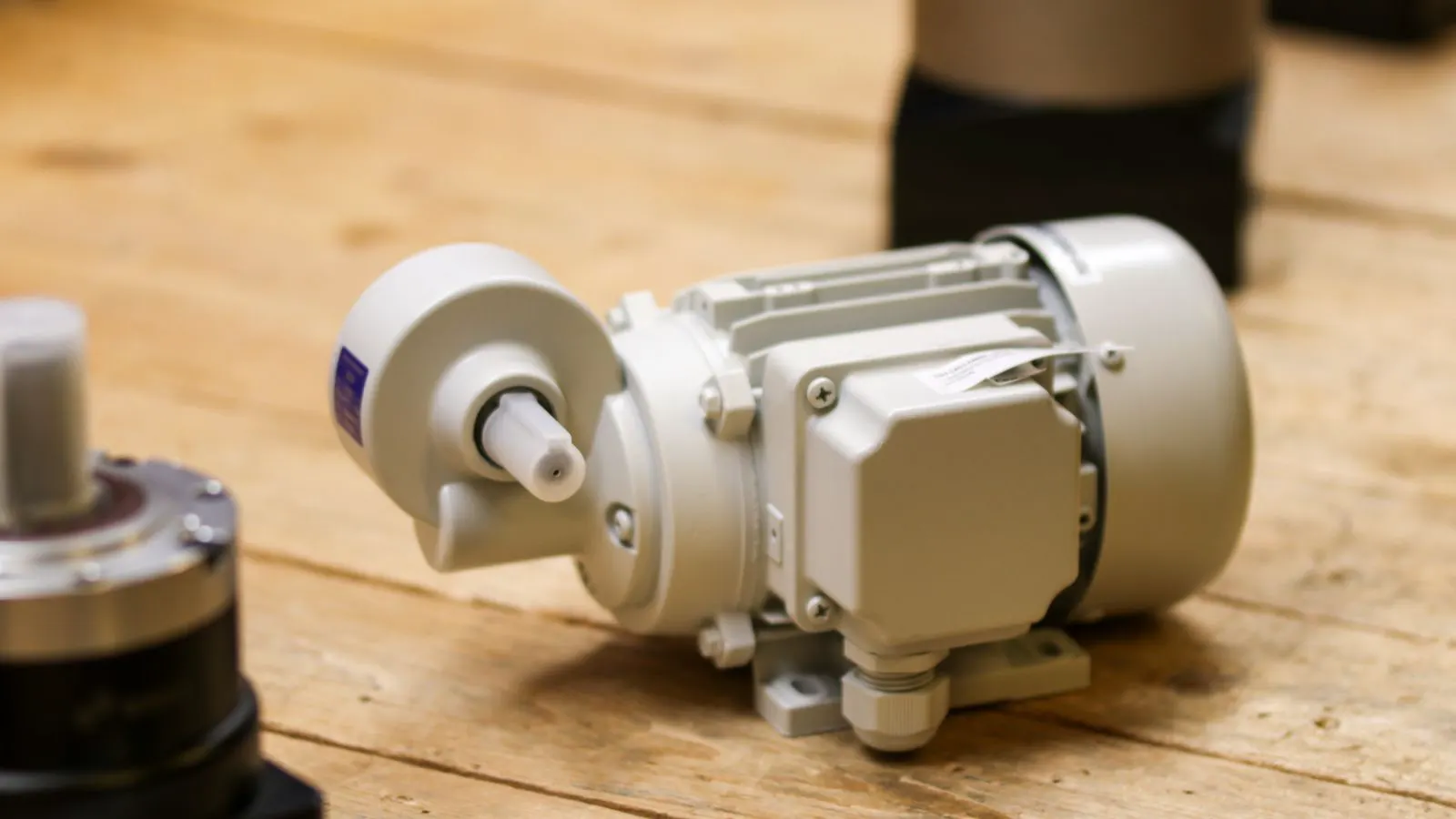
High motor heat in extruders indicates poor energy conversion. This guide identifies symptoms, explains likely mechanical causes, and provides practical fixes to restore efficiency and extend motor life.
- Excessive heat often signals mechanical friction or electrical imbalance, not just heavy loads.
- Regular lubrication and belt tension checks prevent most overheating issues.
- Using energy saving in plastics strategies reduces heat generation at the source.
- Monitoring motor temperature trends helps detect wear before failure.
- Proper airflow management around the motor is critical for thermal management.
Why High Motor Heat Matters
When a plastic extruder motor runs hotter than expected, it is rarely just a nuisance. It is a signal that energy is being lost as heat rather than being converted into useful mechanical power. This inefficient energy conversion wastes electricity, stresses components, and can lead to premature motor failure. For plant managers and engineers, ignoring this symptom often results in unplanned downtime and increased energy costs.
Common Symptoms of Motor Overheating
Identifying the problem early is the first step to effective extruder troubleshooting. While every machine varies, several indicators suggest the motor is working harder than it should.
- Temperature Rise: The motor housing feels significantly hotter to the touch than it does during normal operation.
- Fan Noise: The cooling fan may sound strained or the airflow may feel weaker than usual.
- Tripped Breakers: The thermal overload relay may trip intermittently or frequently.
- Vibration: Unusual vibration can indicate mechanical imbalance or bearing wear, which adds to heat.
- Burnt Smell: A distinct odor suggests insulation degradation due to excessive heat.
Troubleshooting Table for Motor Overheating
The following table outlines the most common causes of motor overheating and the corresponding actions to take. This diagnostic approach helps isolate whether the issue is mechanical, electrical, or environmental.
| Symptom | Likely cause | What to do |
|---|---|---|
| Motor runs hot after short periods | Low lubrication or dry bearings | Check oil levels; replace bearings if noise is present. |
| Heat builds up during steady state | Loose or misaligned drive belts | Adjust belt tension and alignment to reduce friction. |
| Inconsistent temperature across coils | Electrical imbalance or bad connection | Check voltage balance; tighten terminal connections. |
| Motor hot even at low speed | Blocked air vents or dust buildup | Clean air intake filters and ensure cooling fins are clear. |
| Overheating during high load | Undersized motor or worn couplings | Verify motor rating; inspect and replace worn couplings. |
Mechanical Causes of Excessive Heat
Most motor overheating in extruders stems from mechanical resistance. When the drive system fights against friction, the motor must draw more current to maintain speed. This extra current generates additional heat inside the windings and stator.
Drive Belt Tension and Alignment
Loose belts slip, causing the motor to spin without transferring power efficiently. Tensioned belts that are misaligned create side forces on the shafts. Both conditions increase mechanical load. Regularly inspect belts for wear, glazing, or cracking. Ensure they track properly on the pulleys.
Bearing Condition
Bearings are critical for smooth rotation. As they wear, they develop roughness and lose lubrication. This friction converts mechanical energy into heat. Listen for grinding or humming noises. If the shaft has play or resistance when turned by hand, the bearings likely need replacement.
Coupling and Shaft Misalignment
The coupling connects the motor shaft to the extruder barrel or reducer. If misaligned, it forces the motor to work against angular and radial loads. This increases vibration and heat. Use laser alignment tools during maintenance to ensure precise alignment.
Electrical Factors Affecting Thermal Management
Mechanical issues are not the only source of heat. Electrical inefficiencies can also drive temperatures up.
Voltage Imbalance
If the three-phase voltage supplying the motor is uneven, the current in each phase will fluctuate. This causes one or more windings to run hotter than the others. Check the supply voltage at the motor terminal box. A variance greater than 5% is typically problematic.
Insulation Degradation
Over time, motor windings can lose their protective insulation due to heat and vibration. This increases resistance and heat generation. Insulation resistance testing can detect this before it leads to a short circuit.
Incorrect Motor Size
While an oversized motor may run cooler, an undersized motor will overheat under load. Verify that the motor’s rated power matches the extruder’s requirements. If the motor was replaced, ensure the new unit has the same or higher thermal rating.
Environmental and Operational Best Practices
Even a well-maintained motor can overheat if the surrounding conditions are unfavorable. Proper thermal management requires attention to the environment and operating habits.
Airflow and Ventilation
Extruder motors are often located in tight spaces within the machine frame. Ensure that air can flow freely across the cooling fins. Do not block the intake or exhaust vents with guards, dust, or other equipment. Consider adding an external fan if the enclosed space restricts natural convection.
Dust and Debris Control
Plastic processing environments often generate dust from pellets, scrap, or wear. This dust accumulates on the motor’s cooling fins, acting as an insulator. Implement a regular cleaning schedule. Use compressed air or soft brushes to remove debris from the fins.
Load Management
Running the extruder at maximum load for extended periods generates inherent heat. If possible, optimize the process to reduce the mechanical load on the motor. This involves checking for excessive back pressure, ensuring the die is not clogged, and verifying that the screw pitch and barrel diameter are appropriate for the material.
Prevention Tips for Long-Term Efficiency
Preventing motor overheating is more cost-effective than repairing damage. Implement these practices into your routine maintenance program.
- Implement a Predictive Maintenance Schedule: Use thermography to scan motor temperatures during regular inspections. Record baseline temperatures for each motor. Significant deviations from baseline indicate emerging issues.
- Lubricate on Schedule: Follow the manufacturer’s recommendations for bearing lubrication. Over-lubrication can also cause heat due to friction, so adhere to the specified quantity.
- Monitor Energy Consumption: Track the motor’s power draw over time. A gradual increase in current at the same load often precedes mechanical failure.
- Keep the Motor Clean: Regularly clean the motor housing and cooling fins to ensure unimpeded airflow.
- Verify Drive System Health: Check belts, couplings, and shafts for wear during routine downtime. Replace worn parts proactively.
Conclusion
High motor heat in plastic extruders is a warning sign that demands attention. It indicates that energy is being lost as heat rather than being used for production. By systematically checking mechanical components, verifying electrical integrity, and managing the environment, you can resolve overheating issues. These steps not only extend the life of the motor but also contribute to better energy saving in plastics processing. A cooler, more efficient motor translates to lower energy bills and higher reliability.
Frequently asked questions
Can a dirty extruder motor cause overheating?
Yes. Accumulated dust and debris block the cooling fins, reducing airflow and causing the motor to retain heat. Regular cleaning is essential for proper thermal management.
Is it normal for an extruder motor to be warm to the touch?
Yes, motors generate heat during operation. However, if the housing is too hot to hold comfortably for a few seconds, or if the temperature is significantly higher than other motors on the line, it indicates a problem.
How often should I check motor temperature?
It is best to check temperatures during daily startup and weekly during routine maintenance. Using an infrared thermometer makes this quick and non-invasive.
Can changing the drive belt improve energy saving in plastics?
Yes. A properly tensioned and aligned belt reduces mechanical friction and slippage, allowing the motor to operate more efficiently and generate less waste heat.
What should I do if the motor trips the breaker frequently?
This is a serious safety concern. Stop the machine and investigate the cause. It could be due to a short circuit, excessive mechanical load, or an overloaded motor. Do not reset the breaker without identifying the root cause.