Troubleshooting: Fixing Uneven Preform Heating in Blow Molders
Uneven preform heating causes weak spots and inconsistent wall thickness. This guide lists common symptoms, likely causes, and fixes for your blow molding equipment to prevent defective hollow plastic parts.
- Uneven preform heating is usually caused by temperature drift, air flow blockage, or sensor error.
- Use infrared cameras to verify temperature uniformity across the entire preform surface.
- Clean heating elements and check heater cartridge seating to prevent hot and cold spots.
- Regular calibration of thermocouples prevents the machine from running at incorrect set points.
What does uneven heating actually look like?
Uneven preform heating is the most common cause of weak walls, sink marks, and inconsistent shrinkage in hollow plastic parts. When the polymer does not reach a uniform glass transition temperature before entering the mold, the material flows unevenly under pressure. The result is a part that may look fine at a glance but fails in service.
You will see three main symptoms on the finished product. First, the walls on one side of the part are noticeably thicker than the other. Second, the neck area may show a visible band or ring where the heat was inconsistent. Third, the part may develop a dull, cloudy appearance instead of a clear gloss because the resin did not relax properly.
How do you confirm the problem is thermal?
Before adjusting the machine, isolate the variable. A part that is thin on one side could be caused by stretch blowing, mold temperature, or resin viscosity. However, if the defect moves around the part or changes with different preform batches, heat is the primary suspect.
Check the preform against the mold. A preform that is hot on one side and cooler on the other will not stretch evenly. The cooler side resists the necking effect, leaving thicker material behind. The hotter side stretches too far, leaving a thin wall.
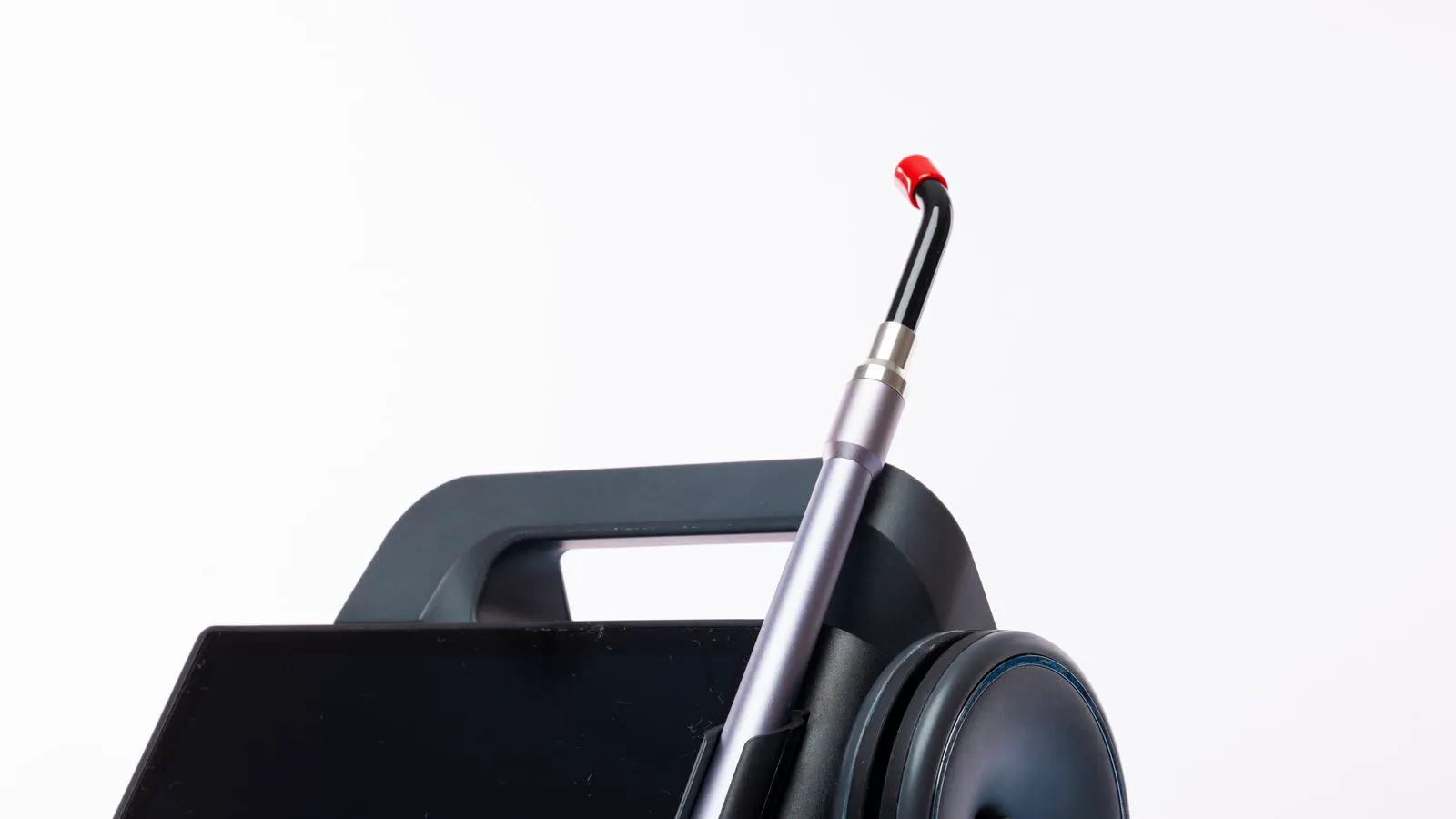
Use a non-contact infrared thermometer. Sweep the sensor across the preform at the point where it leaves the heating zone. You are looking for a spread of more than five to ten degrees Celsius across the circumference. A spread of this size will create a visible thickness variation in the final part.
Common causes and fixes for heat variation
The table below lists the most frequent reasons for uneven heating in blow molding equipment. These are practical checks you can perform during a planned stoppage or while the line is running slowly.
| Symptom | Likely cause | What to do |
|---|---|---|
| One side of preform is consistently hotter | Heater cartridge not seated properly or worn | Inspect the cartridge, clean the flange, and re-seat with correct torque |
| Hot spots on the preform surface | Blocked air flow channels or dirty heating elements | Clean the heating element fins and check for dust accumulation on the preform |
| Temperature drift over time | Failing thermocouple or heater control board | Calibrate the sensor and check the control board output |
| Preform is hot at the neck but cold at the base | Incorrect air flow pattern or too low heating zone temp | Adjust the air flow nozzles and raise the heating zone setpoint slightly |
| Inconsistent heat between preforms | Resin batch variation or poor drying | Check resin moisture content and ensure consistent preform feed rate |
| Heat variation after a mold change | Preform length mismatch or incorrect stretch ratio | Verify the preform length is correct for the new mold and adjust the stretch ratio |
How do you check the heating elements?
The heating elements are the physical source of heat. If they are dirty, the heat distribution becomes uneven. Dust and resin mist accumulate on the fins of the heater. This acts as an insulator and blocks the heat from reaching the preform evenly.
Remove the heating element housing during a maintenance window. Use a soft brush and a dry cloth to clean the fins. Do not use abrasive pads. They can scratch the element surface and create weak points. Check the element for physical damage. A cracked element will create a hot spot that is impossible to correct with software settings.
Inspect the heater cartridge seating. The cartridge must sit flush against the preform tube. If it is loose, air can leak into the gap. This creates a cold spot on the preform surface. Use a torque wrench to tighten the cartridge to the manufacturer’s specification. Do not over-tighten. This can crack the heating tube and cause a leak.
How do you verify the thermocouple and control system?
The thermocouple tells the controller how hot the heating element is. If the thermocouple is faulty, the controller will drive the element to the wrong temperature. This is a silent failure. The machine looks normal, but the preform is not getting the heat it needs.
Pull the thermocouple and check the junction. It should be clean and free of resin. If the junction is damaged, replace the entire thermocouple. Do not just splice a wire. A bad splice creates an error that is hard to track.
Compare the thermocouple reading to a handheld infrared thermometer. Hold the IR thermometer over the preform at the point where the thermocouple is measuring. The readings should match within a few degrees. If they do not, the thermocouple is drift or the IR gun is out of calibration.
Check the control board output. The controller should be sending a steady signal to the element. If the output is pulsing or erratic, the element may be failing. A failing element will draw too much current and trip the breaker. Replace the element before it causes a shutdown.
How do you adjust the air flow for even heating?
Air flow is the second major factor in preform heating. The air carries the heat from the element to the preform surface. If the air flow is blocked or uneven, the preform will not heat evenly.
Check the air nozzles. They should be clean and unobstructed. Resin dust can build up inside the nozzles and block the flow. Remove the nozzles and clean them with a compressed air gun. Do not use a needle. It can damage the nozzle orifice.
Inspect the air ducts. They should be straight and free of kinks. A kinked duct will restrict flow to one side of the preform. This creates a cold spot. Replace the duct if it is damaged.
Adjust the air flow rate. Too much air will cool the preform too fast. Too little air will not transfer the heat. Start with the manufacturer’s recommended flow rate and adjust in small increments. Watch the preform as it moves through the heating zone. You want to see a uniform color change. A uniform color change indicates even heating.
How do you prevent uneven heating in the future?
Prevention is cheaper than rework. Uneven heating causes scrap, rework, and downtime. It also wears out the heating elements faster. A preventive maintenance schedule will keep the system running smoothly.
- Clean the heating elements every month. Use a soft brush and a dry cloth.
- Check the thermocouples quarterly. Compare them with a handheld infrared thermometer.
- Inspect the air nozzles and ducts every month. Clean them as needed.
- Calibrate the temperature controls every six months. Use a certified reference thermometer.
- Keep a log of preform temperature readings. Look for trends over time. A drifting temperature is an early sign of a failing element or sensor.
Keep the preform length consistent. A preform that is too long will heat unevenly because the heat source is not long enough. A preform that is too short will overheat. Set the preform length to match the mold and the stretch ratio. Check the preform length regularly. The extruder output can vary slightly from batch to batch. Adjust the cutter to keep the length constant.
Check the resin drying. Moisture in the resin can cause uneven heating. The water molecules boil at different rates and create steam pockets. These pockets insulate the resin and prevent even heat transfer. Dry the resin before it enters the extruder. Use a desiccant dryer and monitor the moisture content.
How do you know if the fix worked?
Run a small batch of parts after making changes. Inspect the parts for wall thickness variation. Use a caliper to measure the wall thickness at multiple points around the part. The variation should be within your specification. If it is not, the problem is not yet solved.
Check the parts for visual defects. Look for sink marks, cloudiness, and weak spots. A part that is uniform in thickness and appearance is a sign that the heating is even. If the defect moves to a different location, the cause is not the heating. Check the stretch blowing and mold temperature.
Document the changes you made. Note the temperature settings, air flow rate, and preform length. This information will help you troubleshoot in the future. If the problem returns, you can compare the new settings to the old ones and see what changed.
Uneven preform heating is a solvable problem. It usually comes down to a few physical checks. Clean the elements, check the sensors, and adjust the air flow. These steps will restore even heating and improve part quality. If the problem persists, the issue may be in the mold or the stretch blowing. Work through the system step by step. You will find the root cause.
Frequently asked questions
What is the first thing I should check if I see thick and thin walls on my blow molded part?
Check the preform temperature first. Use an infrared thermometer to sweep the preform surface. If the temperature varies by more than five degrees, the heating is uneven.
Can a dirty heating element cause uneven heating?
Yes. Dust and resin mist on the element fins block heat transfer. This creates hot and cold spots on the preform. Clean the element fins during maintenance.
How do I know if my thermocouple is faulty?
Compare the thermocouple reading to a handheld infrared thermometer. If the readings differ by more than a few degrees, the thermocouple is faulty. Replace it.
Does resin moisture affect preform heating?
Yes. Moisture in the resin boils during heating and creates steam pockets. These pockets insulate the resin and prevent even heat transfer. Dry the resin before extrusion.
How often should I clean the air nozzles?
Check the air nozzles every month. Clean them if you see resin dust accumulation. A blocked nozzle restricts air flow and creates a cold spot on the preform.