Troubleshooting Inconsistent Particle Size in Granulators
Inconsistent particle size in granulators usually stems from feed variation, dull cutters, or incorrect speed settings. This guide lists common symptoms, likely causes, and practical fixes to restore uniform output.
- Uneven particle size often traces back to inconsistent feed material or dull cutting edges.
- Regular inspection of cutter assemblies and feed systems prevents most quality deviations.
- Proper machine maintenance schedules protect output consistency and extend equipment life.
- Correcting particle size control issues improves downstream processing efficiency and material value.
Why does a granulator produce uneven pellet size
Granulators convert extruded strands or flakes into uniform pellets for resale or repelleting. When the output varies in size, downstream processes suffer. Mismatched pellets clog hoppers, cause uneven drying, and create quality complaints from customers. The root cause is rarely a single failure. It is usually a combination of feed material variation, mechanical wear, and incorrect operating settings.
Operators often blame the machine before checking the input. The same granulator can produce good pellets with consistent feed and poor pellets with mixed material thicknesses. The first step is to isolate the variable. Check the extrusion line, the granulator itself, and the discharge system. Each stage can introduce size variation.
Common symptoms of particle size variation
Uneven output shows up in several ways. Some pellets are too long, some are too short, and others are irregularly shaped. Operators may notice more fines in the material. The discharge conveyor can carry a mix of small chips and oversized pieces. Quality checks reveal a broad distribution rather than a tight range.
The symptoms vary by machine type. Ring granulators often show length variation when the feed strands are uneven. Chisel granulators may produce irregular shapes when the blade dulls. Screen granulators can create fines if the screen mesh degrades. Recognizing the specific pattern helps narrow the cause.
Diagnostic table for uneven output
The table below maps common symptoms to likely causes and corrective actions. Use it as a first pass before adjusting settings or ordering parts.
| Symptom | Likely cause | What to do |
|---|---|---|
| Pellets are too long | Feed strands are uneven or too thick | Check extrusion line temperature and die setting. Reduce feed rate to match cutter speed. |
| Pellets are too short | Cutter speed is too high or blades are dull | Adjust motor speed downward. Inspect and sharpen or replace cutter edges. |
| Irregular shapes or chips | Dull cutters or worn screen mesh | Replace cutter assemblies. Clean or replace the discharge screen. |
| High fines content | Screen mesh is damaged or material is too soft | Inspect mesh for tears. Adjust material temperature to increase firmness. |
| Size variation over time | Feed material thickness changes | Monitor extruder output thickness. Adjust granulator speed to match feed changes. |
How feed material affects particle size control
The material entering the granulator sets the baseline for pellet size. Extruded strands must be uniform in thickness and stiffness. If the strand diameter varies, the cutter produces pellets of different lengths. Thin strands create small pellets. Thick strands create large ones. The cutter cannot compensate for inconsistent feed.
Material temperature also matters. If the plastic is too soft, it may not hold its shape during cutting. The strands can stretch or deform, leading to irregular pellets. If the material is too cool, it may be brittle and chip instead of cutting cleanly. The extrusion line must deliver material at the correct temperature and consistent thickness.
Check the die size and temperature settings. Verify that the melt temperature is stable. Look for fluctuations in the extruder output. If the feed is inconsistent, no amount of granulator adjustment will fix the problem. The feed must be stable before the granulator can produce uniform pellets.
Cutter and screen maintenance
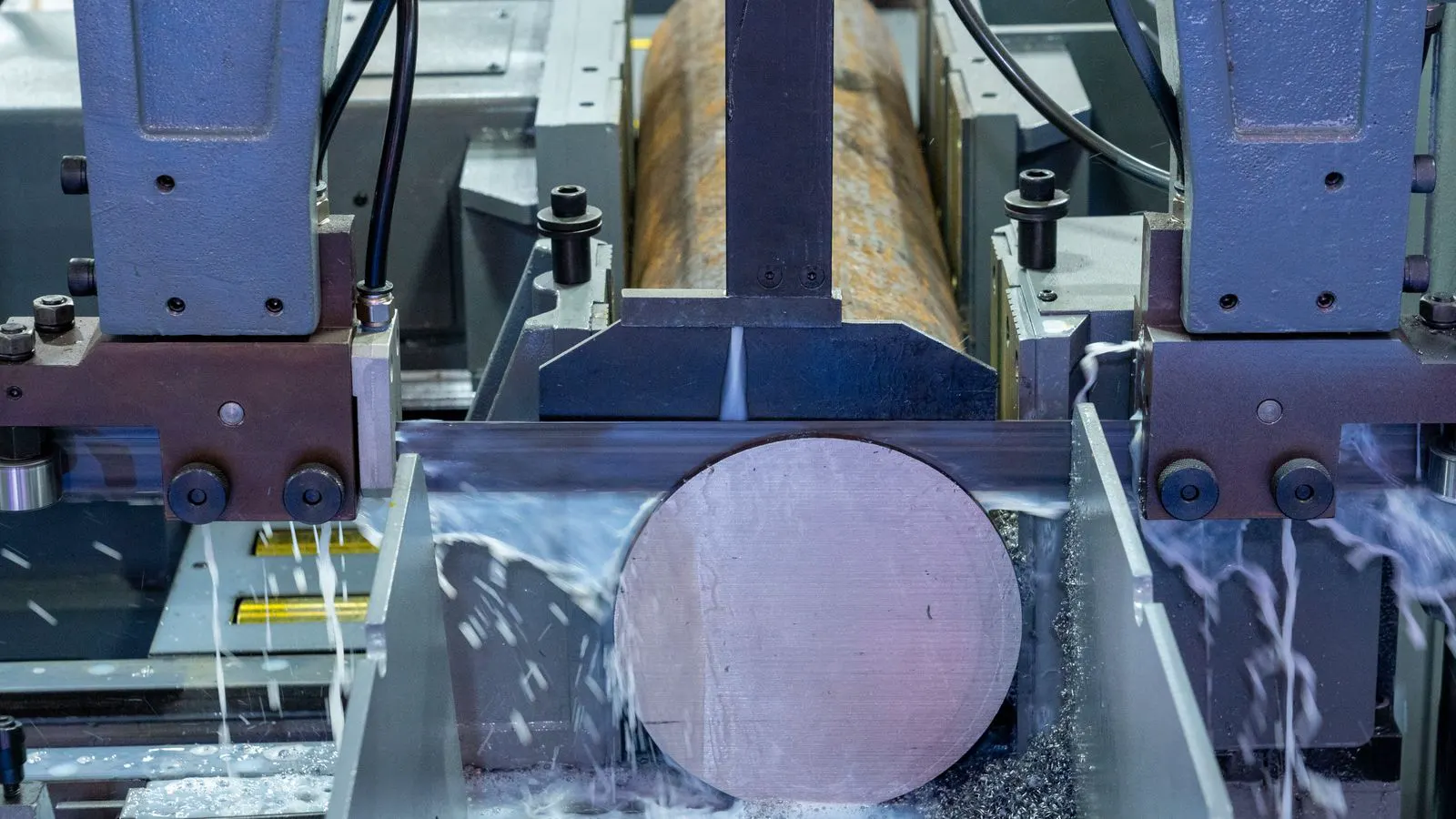
Cutter assemblies wear over time. The edges dull, and the cutting action becomes less precise. Dull cutters pull on the strands instead of slicing them. This stretches the material and creates elongated or irregular pellets. The wear rate depends on the material type. Rigid plastics wear cutters faster than softer ones. Compounded materials with fillers can accelerate wear.
The discharge screen also plays a role. It separates the cut pellets from fines and debris. If the screen mesh is torn or clogged, fines can pass through. The screen size must match the desired pellet size. A screen that is too large allows oversized pellets. A screen that is too small causes blockages.
Inspect the cutter and screen during routine maintenance. Look for nicks, chips, or deformation on the cutter edges. Check the screen for holes or clogs. Replace worn parts before they cause quality issues. Keeping a spare cutter assembly and screen mesh on site reduces downtime.
Adjusting granulator speed and settings
The cutter speed must match the feed rate. If the cutter is too slow, pellets are too long. If it is too fast, pellets are too short. The speed setting is a balance point. Operators must find the speed that produces the target size without overloading the machine.
The feed rate is the other variable. Increasing the feed rate while keeping the cutter speed constant will produce longer pellets. Decreasing the feed rate will produce shorter pellets. Adjust one variable at a time. Make small changes and observe the output. Record the settings that work for the material.
Some machines have automatic speed control. These systems adjust the cutter speed based on the feed load. They help maintain consistency when the feed varies. However, they require proper calibration. If the sensor is dirty or misaligned, the automatic control may not work correctly.
Preventing size variation in daily operation
Prevention is cheaper than correction. Establish a routine for checking feed material, cutter condition, and screen integrity. Log the operating settings for each material. When a new material is introduced, test the granulator settings before running a full batch.
Train operators to recognize early signs of variation. A slight change in pellet length can indicate a problem before it becomes severe. Encourage operators to report changes in sound, vibration, or discharge flow. These signs can point to mechanical issues before they affect quality.
Keep the granulator clean. Plastic residue on the cutter or screen can affect cutting accuracy. Clean the machine during shutdown periods. Use the correct cleaning methods for the material type. Avoid abrasive tools that can damage surfaces.
When to replace parts
Sometimes, maintenance is not enough. If the cutter edges are severely worn or chipped, sharpening may not restore performance. Replace the cutter assembly. The cost of replacement is lower than the cost of poor quality and downtime.
The screen mesh is a consumable part. It wears with use. Replace it based on a schedule or when damage is visible. Do not wait until fines are passing through. A new screen ensures consistent pellet size and protects downstream equipment.
Keep spare parts available. Cutter assemblies and screen meshes are common replacement items. Having them on site reduces the time needed to restore production. Track the usage hours for each part. This data helps plan replacements before failure occurs.
Verifying the fix
After making adjustments, run the granulator for a set period. Collect a sample of pellets and measure the size distribution. Compare the results to the target range. If the size is still uneven, review the feed material and cutter speed again.
Document the changes made. Record the settings, part replacements, and operating conditions. This information helps future operators and maintenance staff. It also provides a baseline for comparing performance over time.
If the problem persists, consider the entire line. The extrusion line, dryer, and cooling system can all affect pellet quality. Check for issues upstream. A granulator cannot fix poor feed material. The whole process must be balanced.
Related topics for further reading
For a deeper understanding of granulator types and their specific cutting mechanisms, refer to the article on Twin-Flute vs Single-Flute Granulators. When working with recycled materials, the guide on Granulator Selection for Post-Consumer Plastic Waste provides useful context on material variability. For broader equipment choices, the Buyers Guide to Industrial Plastic Mixers and Augers covers how granulators fit into the material handling system. The Checklist for Selecting Plastic Material Handling Auxiliaries offers a framework for evaluating the entire line, including granulators and conveyors.
Frequently asked questions
Can I fix uneven pellet size by just changing the cutter speed?
Not always. If the feed strands are uneven or the cutter blades are dull, changing the speed alone will not solve the problem. Check the feed material and cutter condition first.
How often should I inspect the cutter and screen?
Inspect them during every planned maintenance stop. If the material is abrasive or the machine runs long shifts, check them more frequently. Look for dull edges or mesh damage.
What is the best way to reduce fines in the output?
Ensure the screen mesh is intact and the correct size for the material. Adjust the material temperature to increase stiffness. A too-soft material chips more easily and creates fines.
Do different plastic materials require different granulator settings?
Yes. Rigid plastics and soft plastics behave differently. Compounded materials with fillers may require slower cutter speeds or sharper blades. Test each material to find the optimal settings.
Is it safe to clean the granulator while it is running?
No. Always stop the machine and lock out power before cleaning. Use the correct tools and methods to avoid damaging the cutter or screen. Follow your site safety procedures.